Understand a function
Select the relevant file and ask what the function does, what it expects and what it returns.
AI assistance for Python
Ask for an explanation, investigate an error or compare approaches while the source stays in view. Try the suggestion, run your code and decide what to keep.
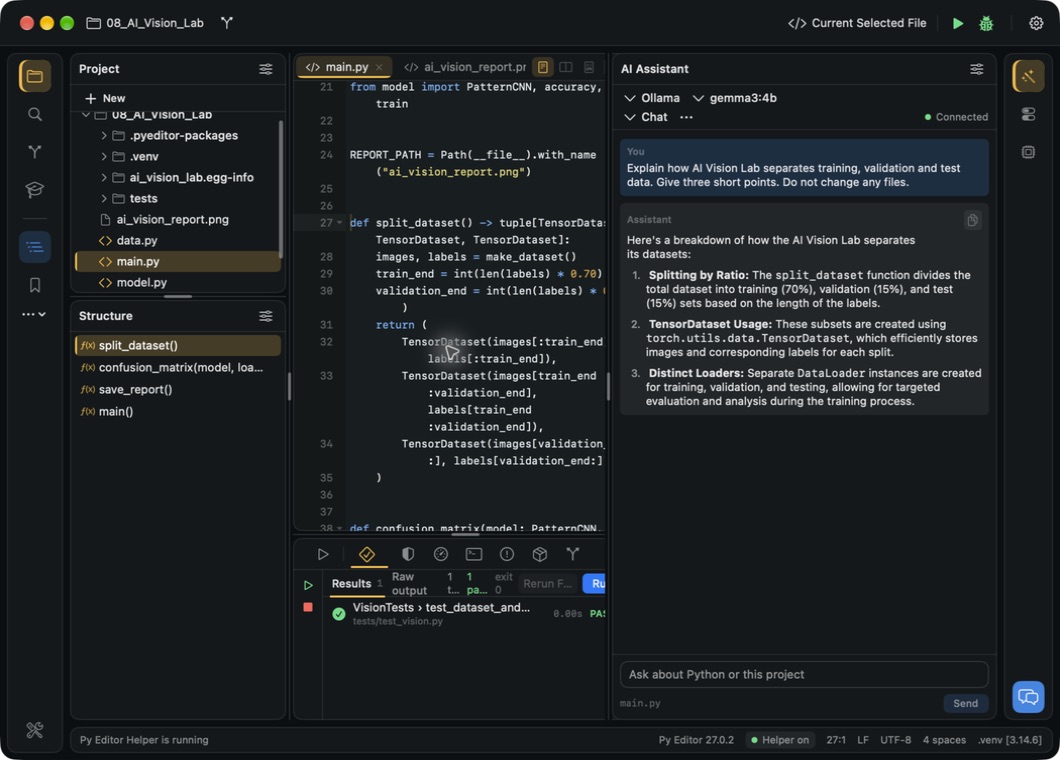
Ask with context
Select the relevant file and ask what the function does, what it expects and what it returns.
Include the error and the behaviour you expected. Ask for a change you can check with a small test.
Ask for a simpler version or a test case, then compare the answer with the original code.
Your AI setup on Mac
Connect your own API key for a supported provider. Its account, pricing and data handling apply.
See provider settings →Connect Ollama and choose a model installed on your Mac for local conversations about your code.
Set up local Ollama →Ask through Apple Intelligence when it is available and enabled on your Mac.
See Apple Intelligence requirements →Mac AI integrations are included in the free download. With Gemini or Anthropic the open file is sent to that vendor with your question, so check it for keys or personal data first; Ollama runs the model on your Mac. External services may charge for usage.
From a question to a checked change
The assistant reads the file you have open, so open that one and describe the result you want.
Compare the response with your source and ask a follow-up when a detail is unclear.
Apply the change you choose, run the script and test the behaviour. AI suggestions can be wrong.
Code Assistant on iPhone & iPad
Ask for help generating, refining or debugging Python inside the mobile editor. Keep experimenting with the answer in your own script.
Mobile assistant access requires the applicable subscription and provider API key.
Explore the mobile workspace →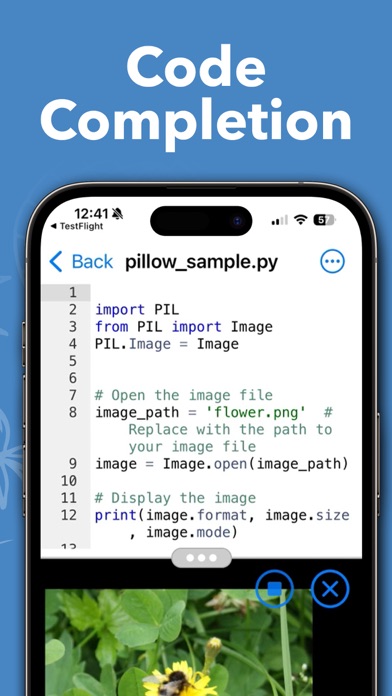
Explore the assistant alongside your Mac project.