Explore the features

Find the tools for
what you want to make.

Start with a script. Add data, reusable code or a little help from AI. Here is how the features fit into real work.

Write and run

Keep the conversation with your code going.

Read, edit and try again

Syntax colours and indentation give your script structure. Make a change, run it and use the result to decide what comes next.

Know what happened

The console brings output and errors next to the code you are working on. Print an intermediate value to understand a calculation.

Keep your work organised

Name your files around what they do. On Mac, bring a project folder into the workspace; on mobile, keep useful pieces as snippets.

Packages on Mac

Give your script new abilities.

A library is code you can reuse. The Mac app includes popular libraries for tables, arrays, charts, images and web requests.

Use the package manager to add supported pure-Python packages. You can focus on the part of the script that answers your question.

Meet the included libraries →
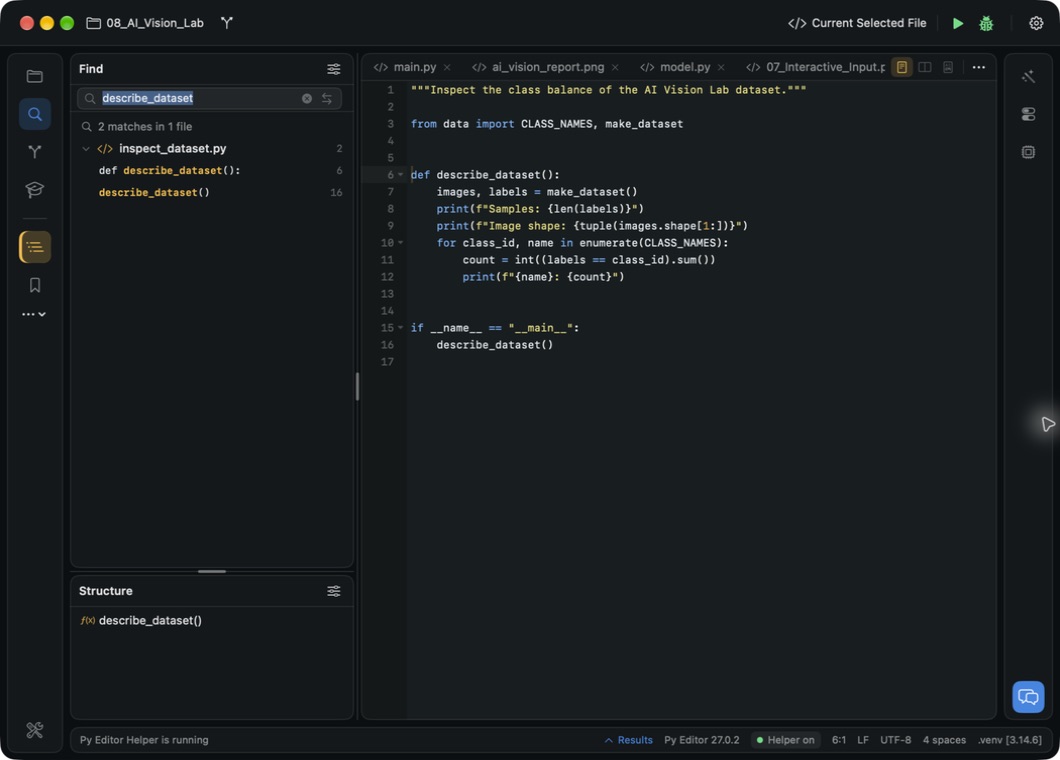
Python code and NumPy results in the Mac app
Write your code. Run it. See the result. Mac App Store edition.

The right help at the right time

Make the next step easier.

An example to build on

Mac tutorials give you a working starting point. Mobile learning resources help you explore the language and try your own exercises.

Start learning →

A question you can ask

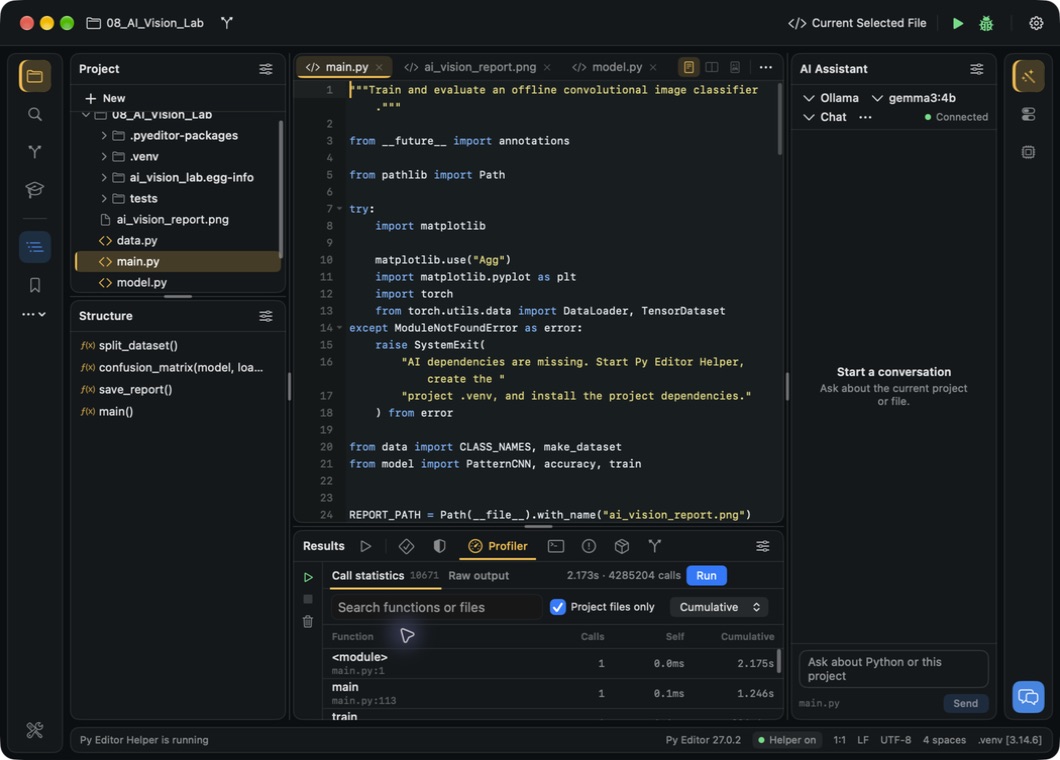
The mobile Code Assistant helps with Python questions. AI assistance is also part of the direct Mac workspace.

See example prompts →

A workspace you can shape

Fonts, themes and editor settings help you make code comfortable to read. Find a setup you want to return to.

Explore the Mac app →

Choose the right edition

Know what comes with your app.

The store apps and the free direct Mac edition are available now.

Python Editor editions
What you want to doMac App StoreiPhone & iPadFree Mac edition
Write and run PythonAvailableAvailableAvailable
Use included NumPy, pandas and MatplotlibIncluded on MacLibrary availability differsIncluded on Mac
Add pure-Python packagesMac package managerSee mobile app detailsMac package manager
Use snippets and multiple mobile windowsSee Mac featuresMobile features; some require a subscriptionSee the Mac preview
Ask an AI assistantSee current store listingCode Assistant; access requirements applyIncluded in the workspace
Use project debugging, Git and test toolsSee current store listingNot advertised for the mobile editionIncluded in the workspace
Choose how to downloadMac App Store ↗App Store ↗Direct download ↗
Unlock the appIn-app purchasesIn-app purchasesAll app features, no app subscription

External AI services may charge separately. Store listings show current purchase options.

Choose the app for your next project.

Find the download for your Mac, iPhone or iPad.

Get Python Editor