
Py Editor Blog

Practical examples and updates from the Mac, Windows, iPhone and iPad apps.

Which Windows download do I need?

The portable Windows edition comes in x64, ARM64 and x86 builds. They use the same editor interface and each includes Python. In Windows, open Settings → System → About and look for System type to match the ZIP to your PC.

If you are working with data, check the included libraries before choosing an example. The x64 and ARM64 builds ship with NumPy, pandas and Matplotlib. The Windows download page lists the differences.
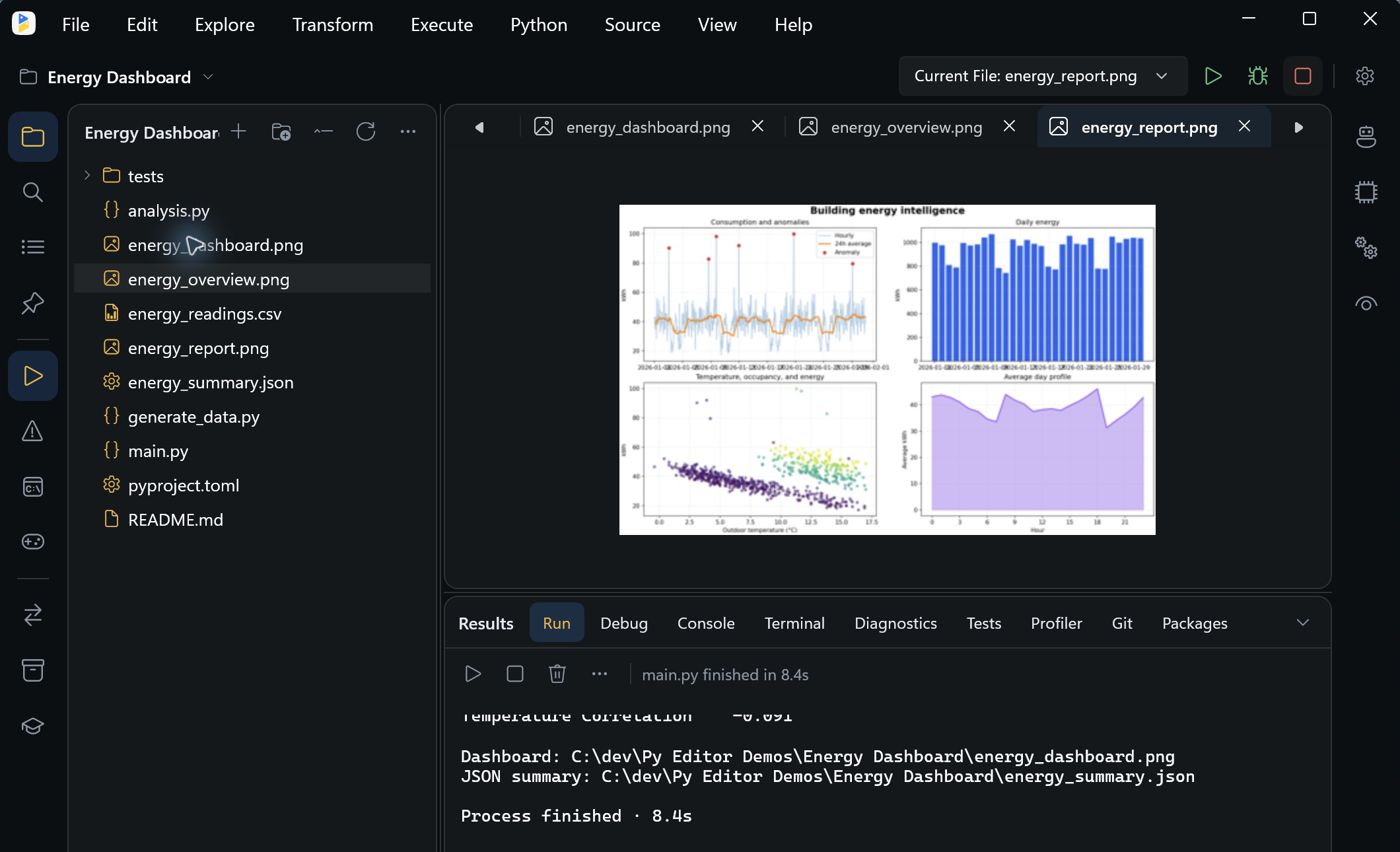
Py Editor · Windows

Compare Windows builds

From a script to a desktop app on Mac

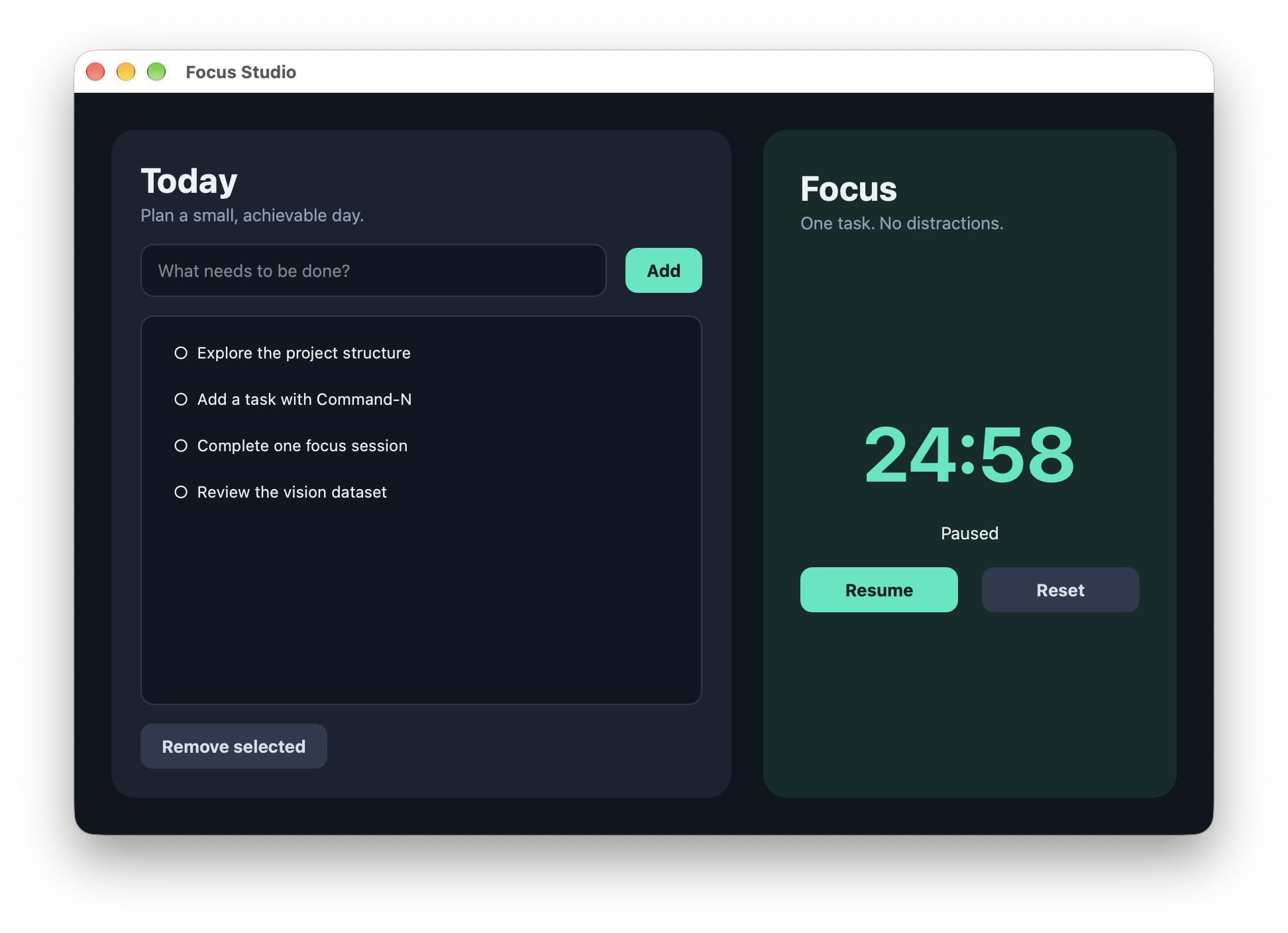
Open Mac Desktop Studio to see how a Python project builds a task list and timer in a separate window. Run it once, add a task, and follow the code that updates the list.

The example uses PySide6, so install the free Helper and prepare the project environment before running it. For a first script without dependencies, use the Wiki quickstart.

Focus Studio · Mac

Explore the Mac projects