Py Editor Wiki
Run your first Python script. Pick your device to find the right download, the steps to follow, and where to read the result.
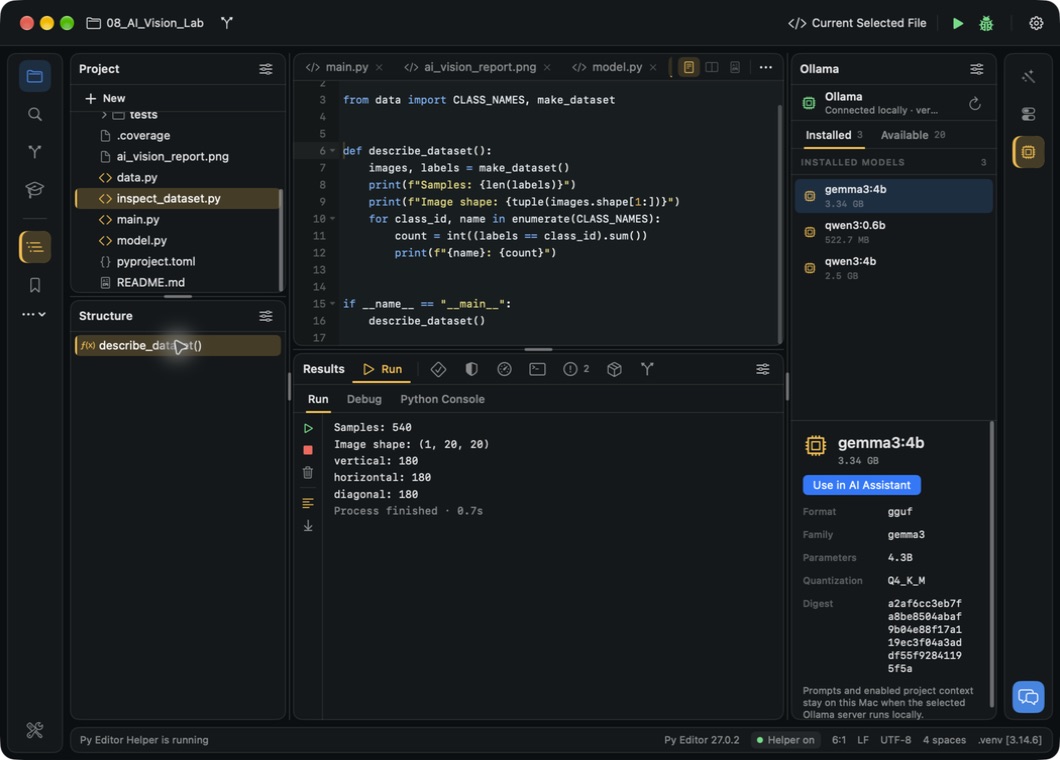
On Mac
- Download the Mac ZIP, extract it and move Py Editor to Applications.
- Open Py Editor, create a new Python project and select
main.pyin Project. - Replace the sample code with the line below, then save with ⌘S.
print("Hello, Python!") - Choose Current Selected File in the toolbar, click Run and read the output in the bottom panel.
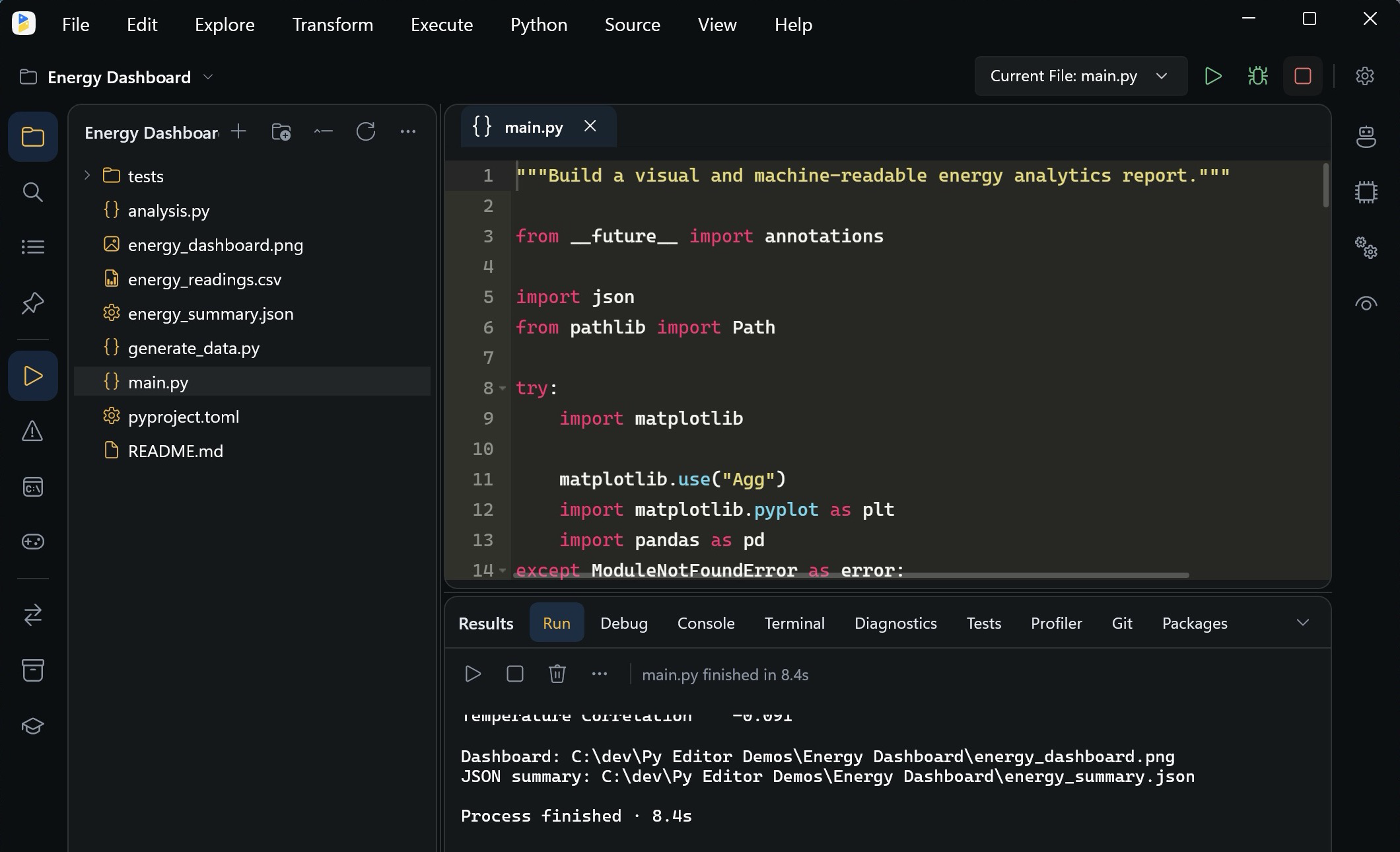
On Windows
- Open Settings → System → About and check System type. Choose x64 for 64-bit Intel or AMD, ARM64 for Windows on ARM, or x86 for a 32-bit PC.
- Extract the portable ZIP and launch Py Editor from the extracted folder. The download includes Python and WinUI.
- Open a
.pyscript, paste this example and save it. Then run it and check the output in the editor workspace.print("Hello, Python!")
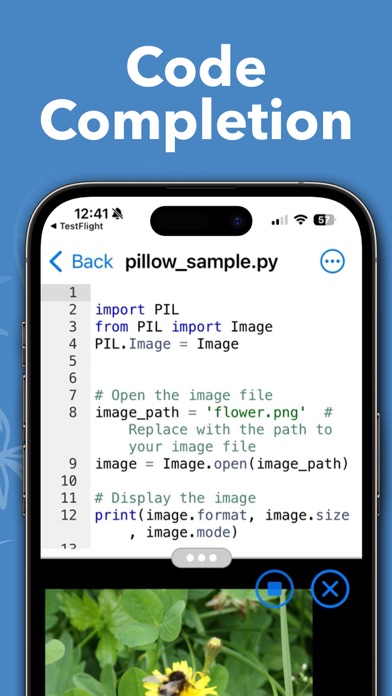
On iPhone and iPad
- Download Python Editor App from the App Store. In Files or inside the app, open a
.pyfile or create a new script. - Enter the line below, then tap Run.
print("Hello, Python!") - Read
Hello, Python!in the console. Change the text inside the quotes and run it again.